Create fillets in drawings
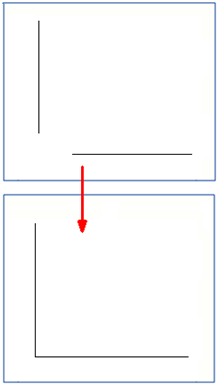
You can connect two intersecting lines by extending the two selected lines to their intersection point by creating a fillet. If no intersection point is found or if it is outside the drawing, nothing will be done.
- Open a drawing.
- Select two intersecting lines.
-
On the
Drawing tab, click
 Create fillet.