Combine and explode sketch objects in drawings
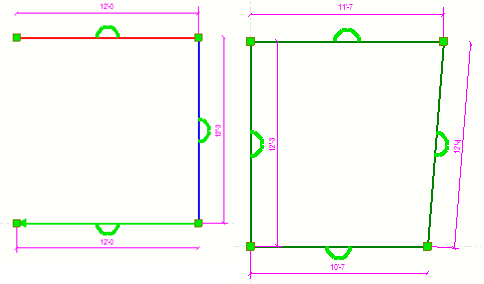
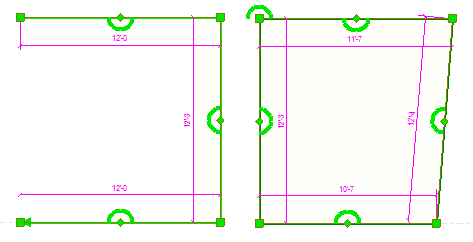
You can explode sketch objects like polylines, rectangles, or polygons into separate straight lines. You can also combine separate lines, continuous lines, and polylines into a single polyline or a closed polygon.
| To | Do this |
|---|---|
| Combine separate lines, continuous lines or polylines into a single polyline or a closed polygon |
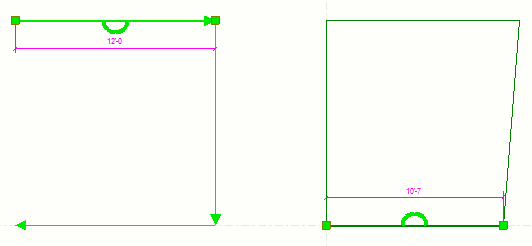
Separate lines and polyline are combined into a single polyline or a closed polygon. When you select the combined shape, you can see that Tekla Structures has combined the lines and created more handles in the shape:
|
| Explode a polyline, rectangle, or polygon into separate straight lines |
|
 .
.
 .
.