Production Control: Shipping Ticket reports
To create shipping ticket reports, do either of the following
- Open Load Properties dialog and click Shipping Ticket.
- Click the Loads ribbon tab and select Shipping Ticket.
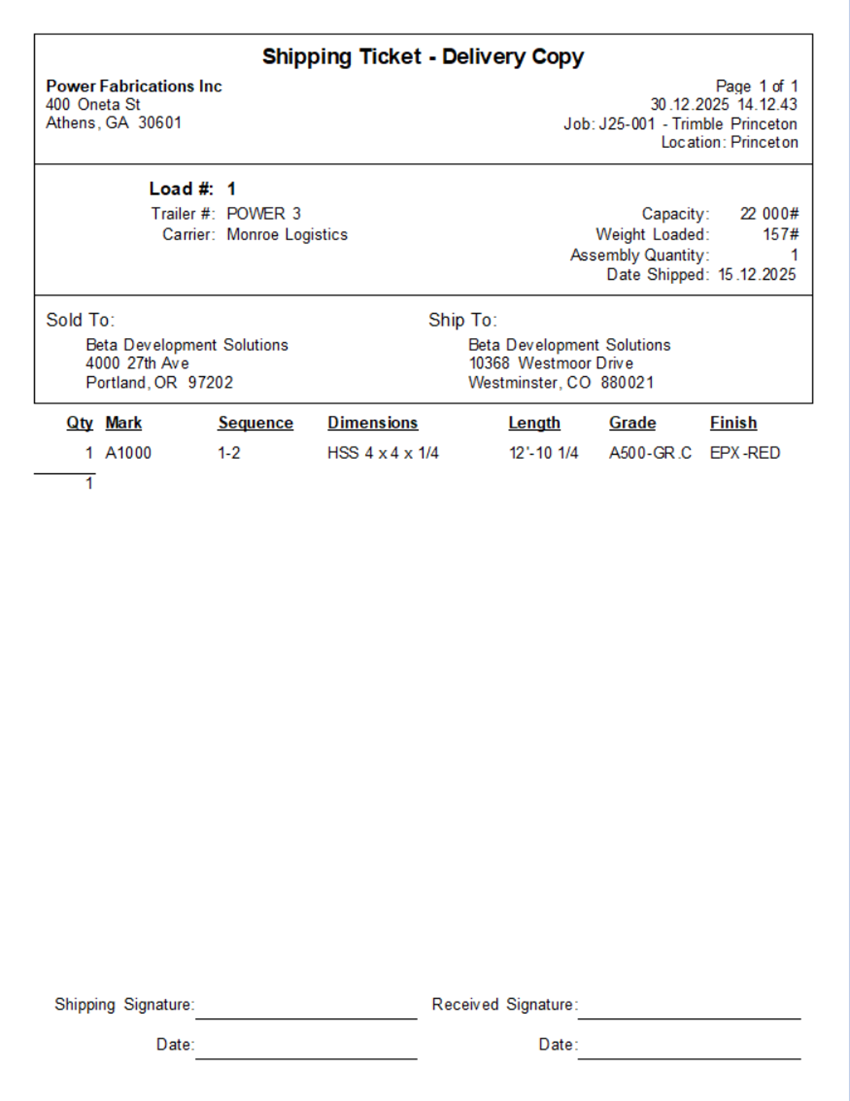
Shipping Ticket - Delivery Copy
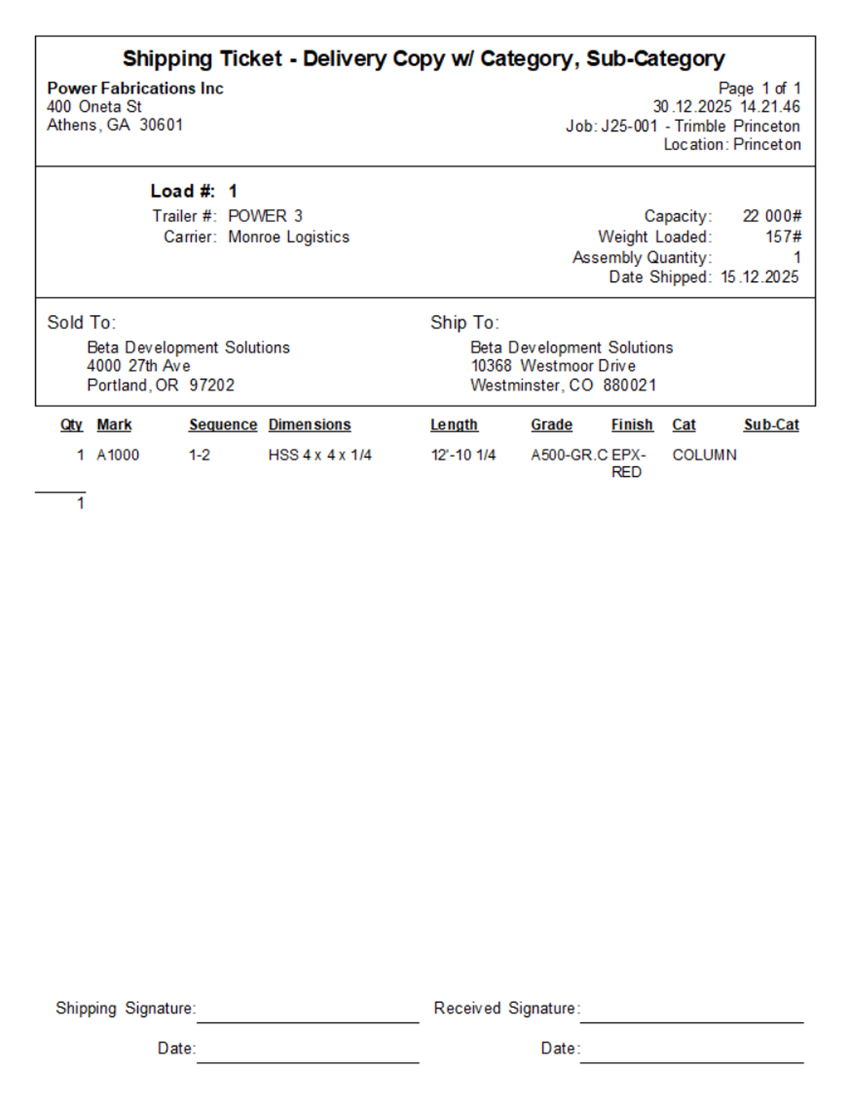
Shipping Ticket - Delivery Copy w/ Category, Sub-Category
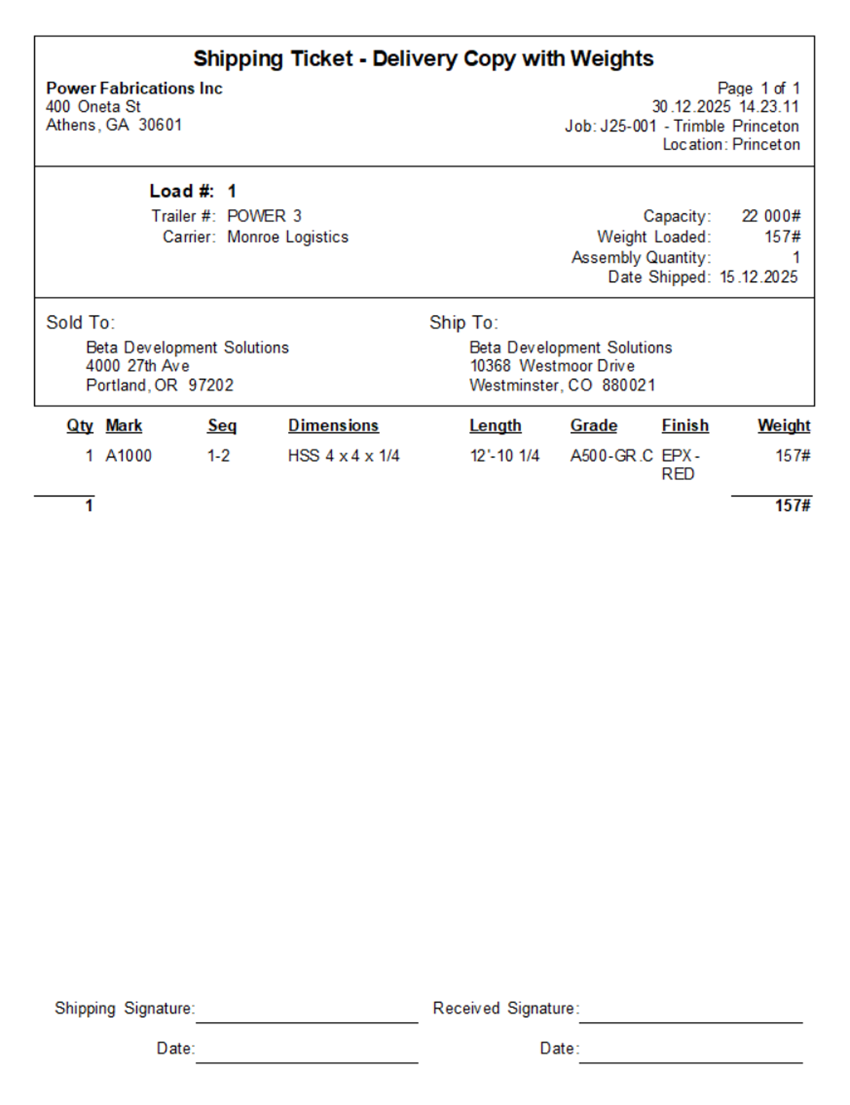
Shipping Ticket - Delivery Copy with Weights
Shipping Ticket - Customer Copy
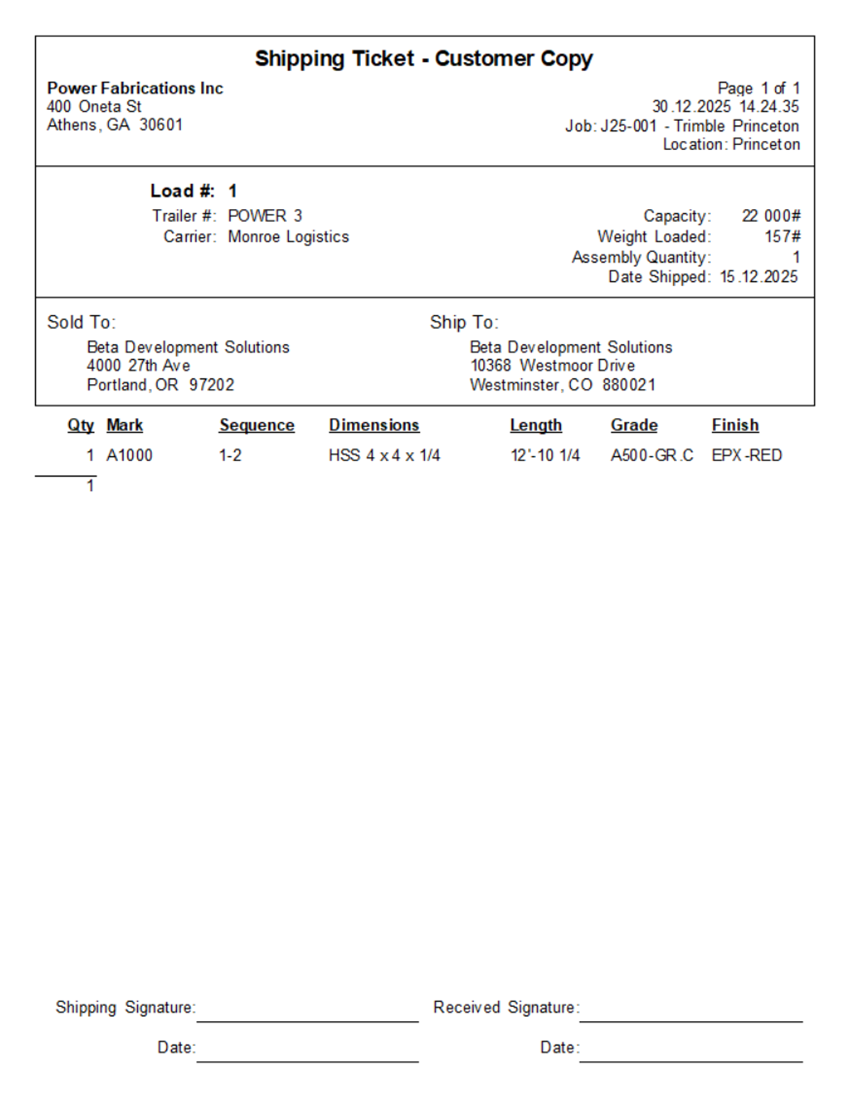
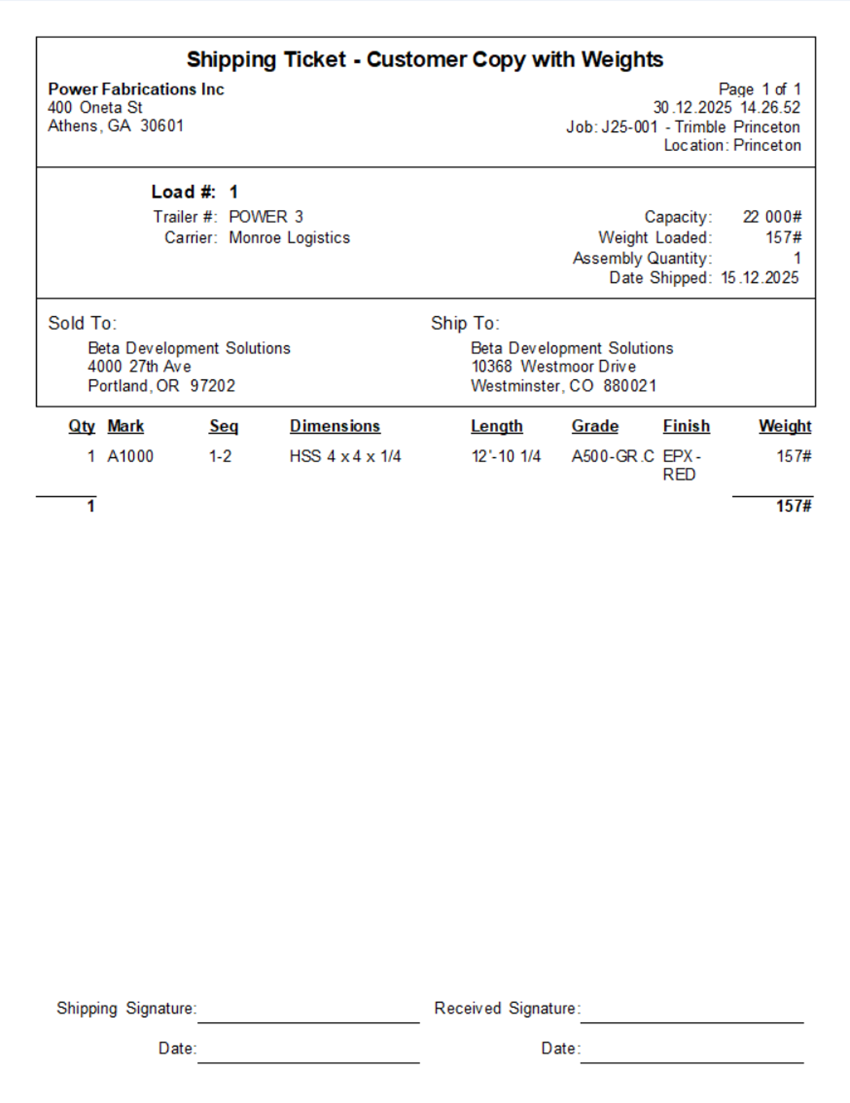
Shipping Ticket - Customer Copy with Weights
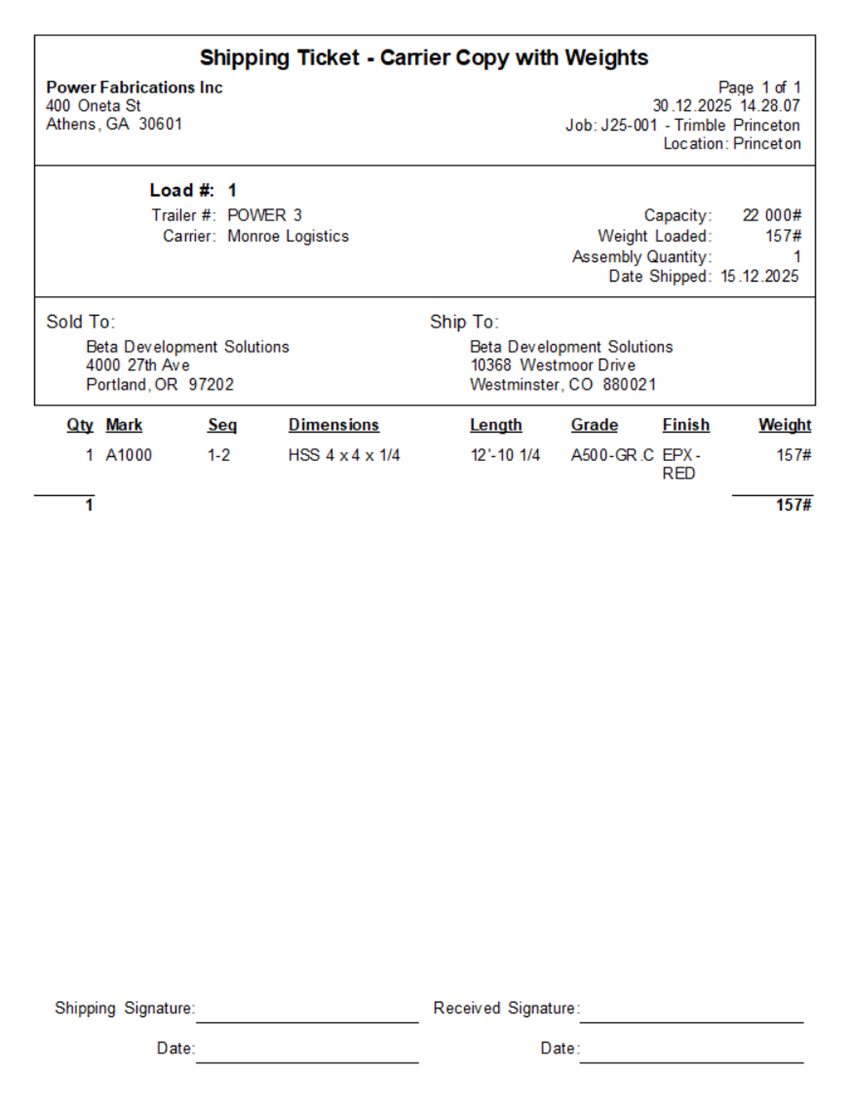
Shipping Ticket - Carrier Copy with Weights
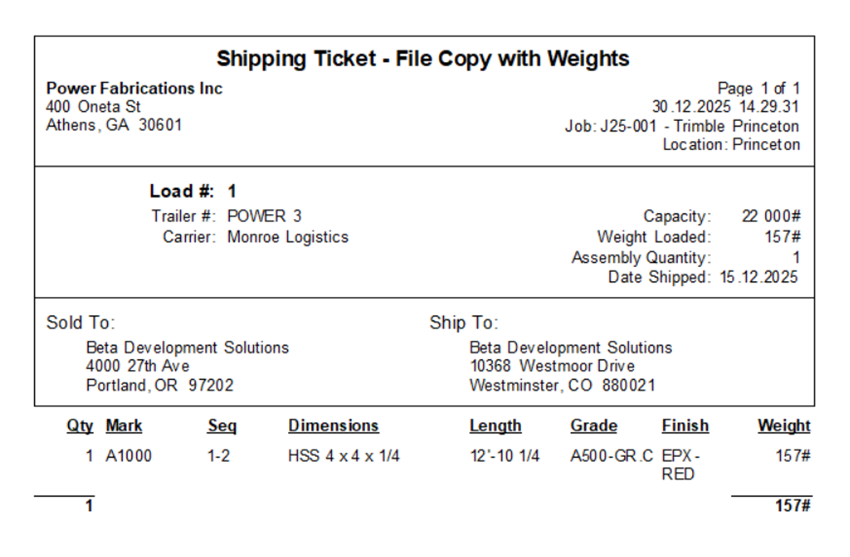
Shipping Ticket - File Copy with Weights
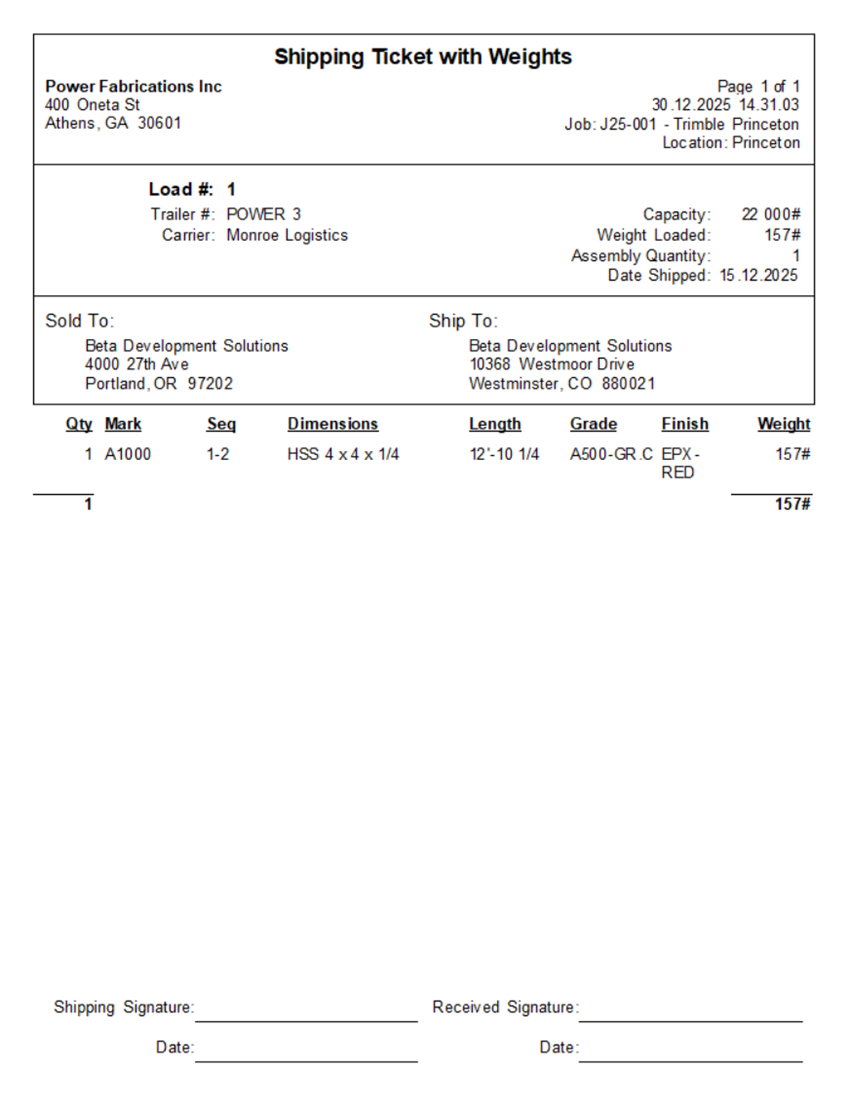
Shipping Ticket with Weights
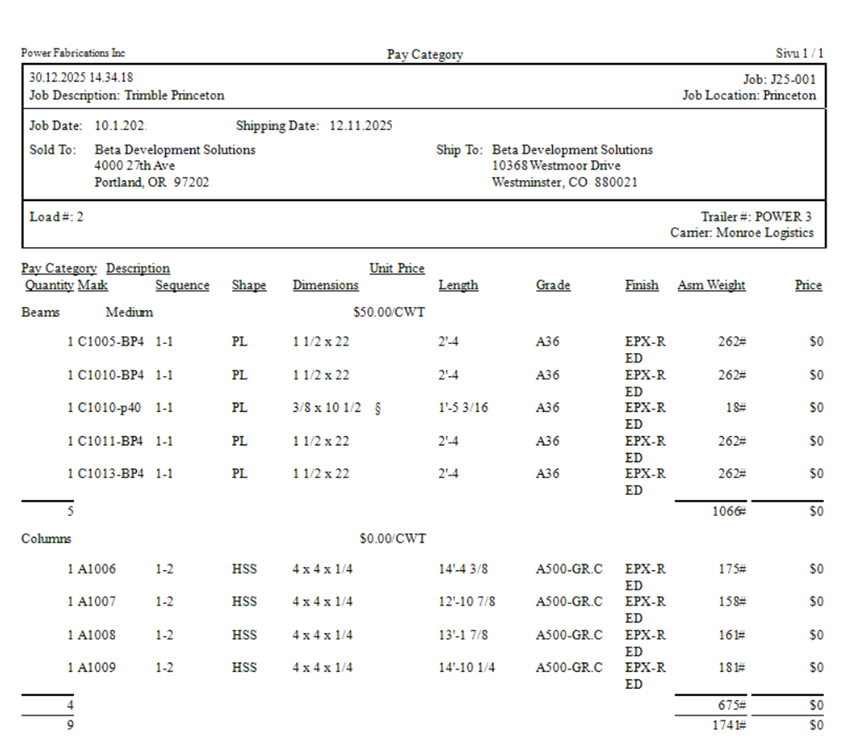
Pay Category
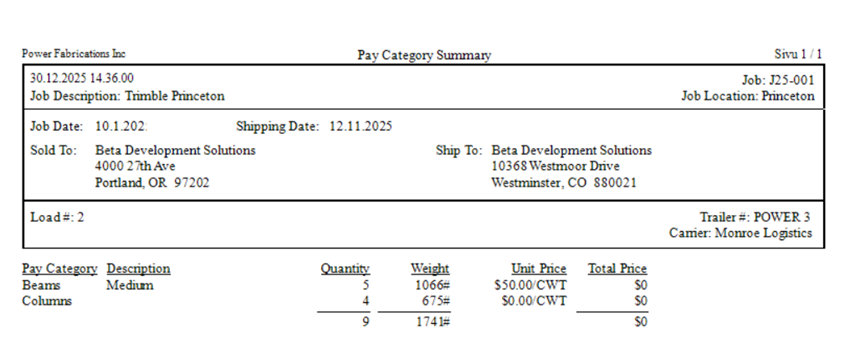
Pay Category Summary