Production Control: Inspection Test reports
To create inspection test reports, do the following:
- Click the Production Control ribbon tab, select Review, and Inspection Test Records or Inspection Status.
- Click the Test Records ribbon tab and select Reports.
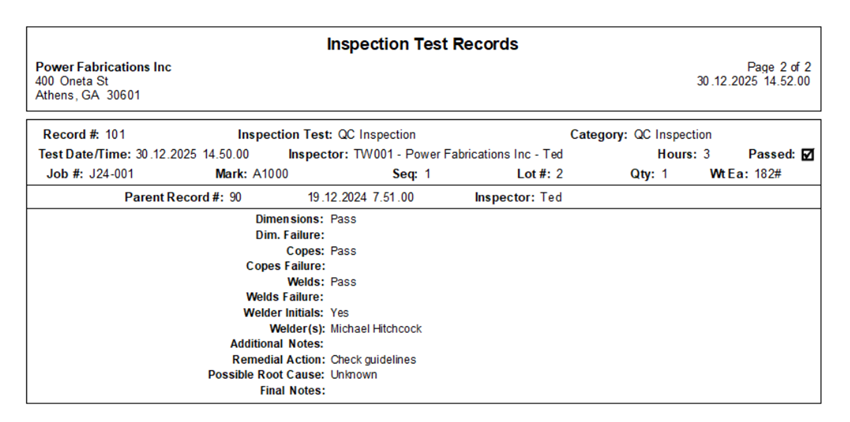
Inspection Test Records
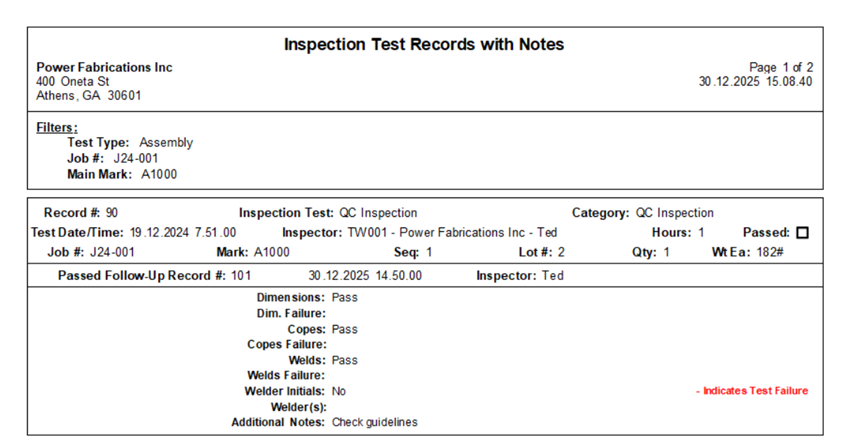
Inspection Test Records with Notes
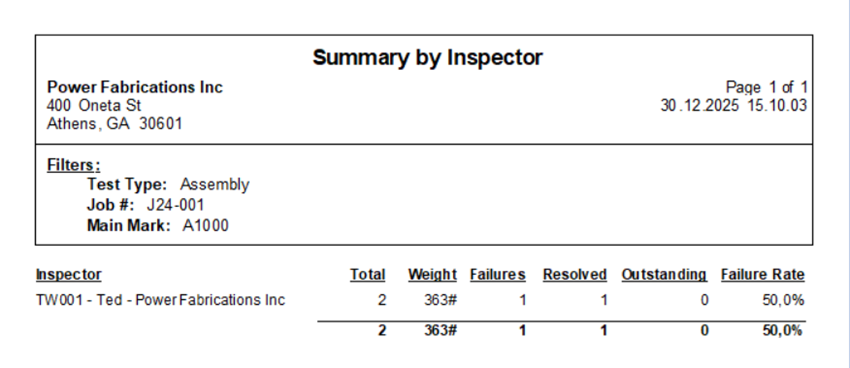
Summary by Inspector
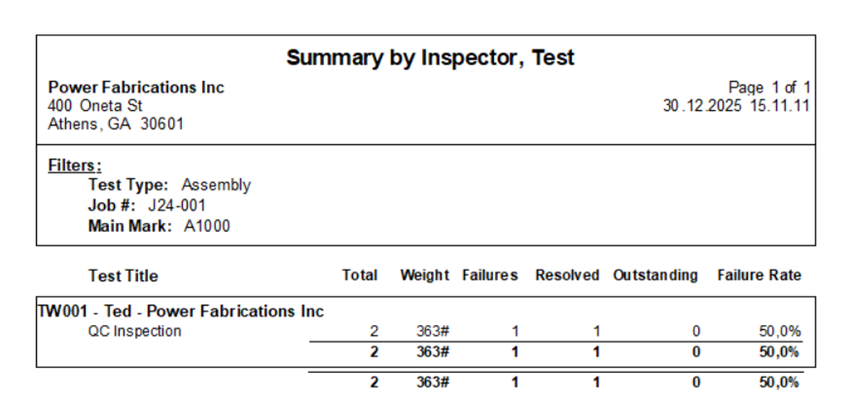
Summary by Inspector, Test
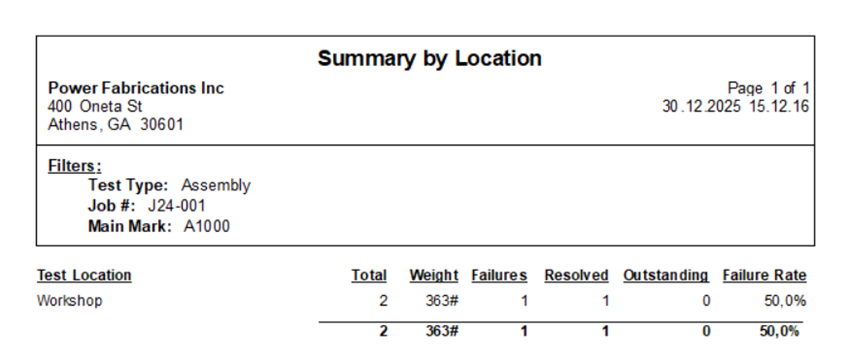
Summary by Location
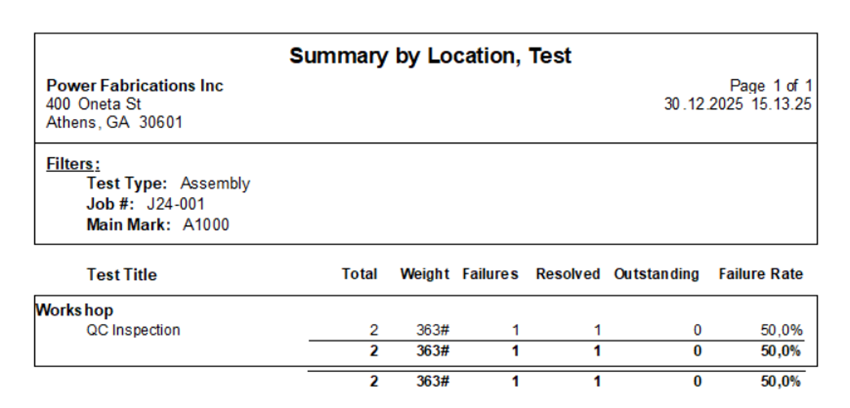
Summary by Location, Test
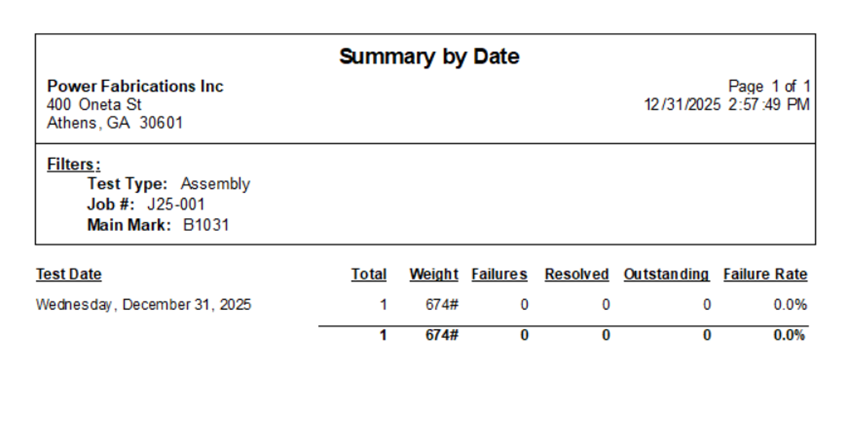
Summary by Date
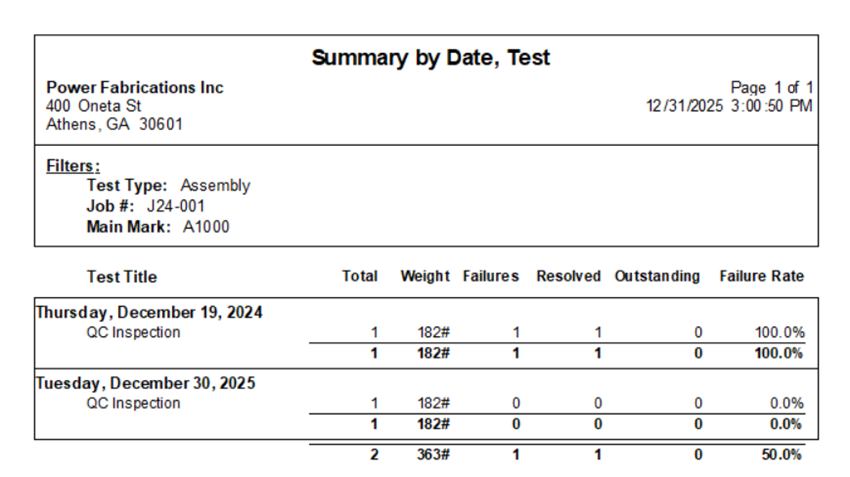
Summary by Date, Test
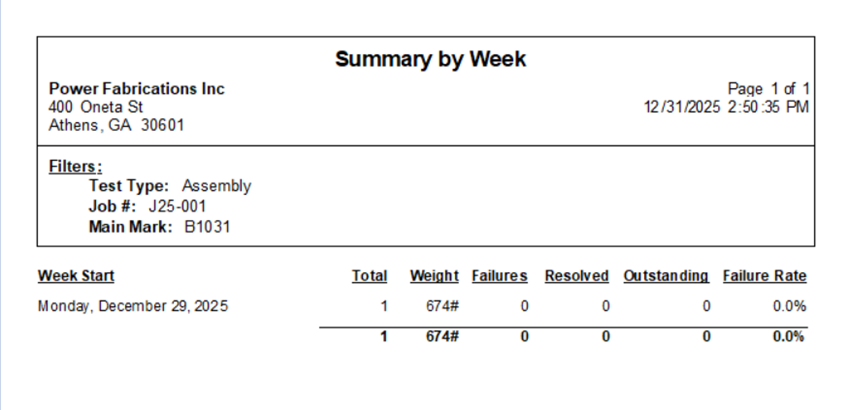
Summary by Week
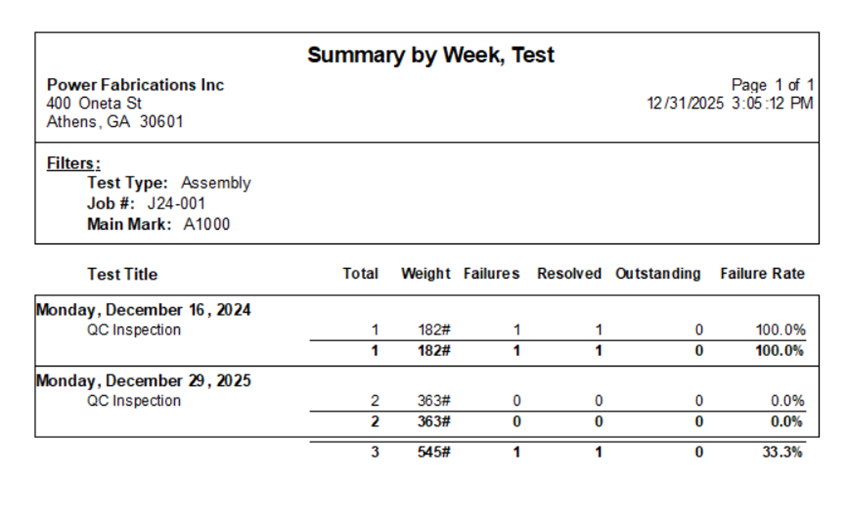
Summary by Week, Test
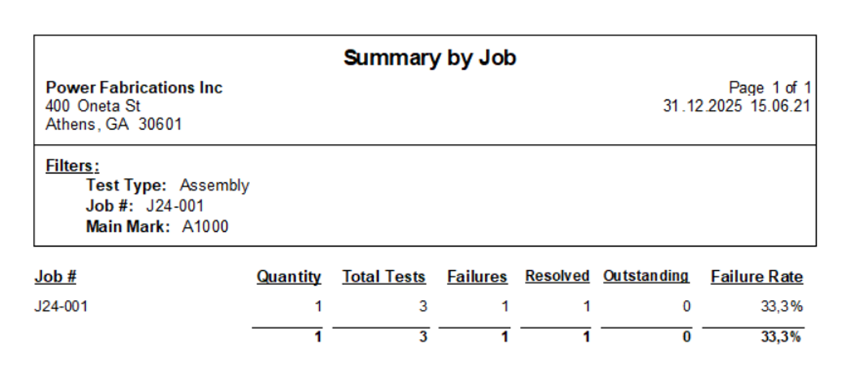
Summary by Job
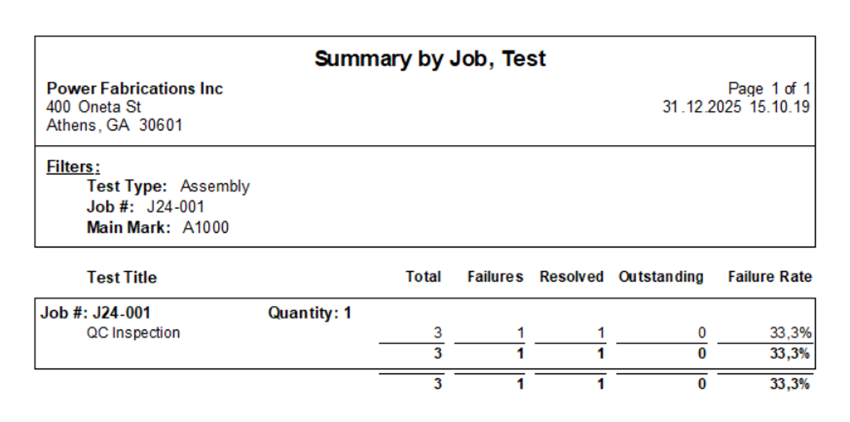
Summary by Job, Test
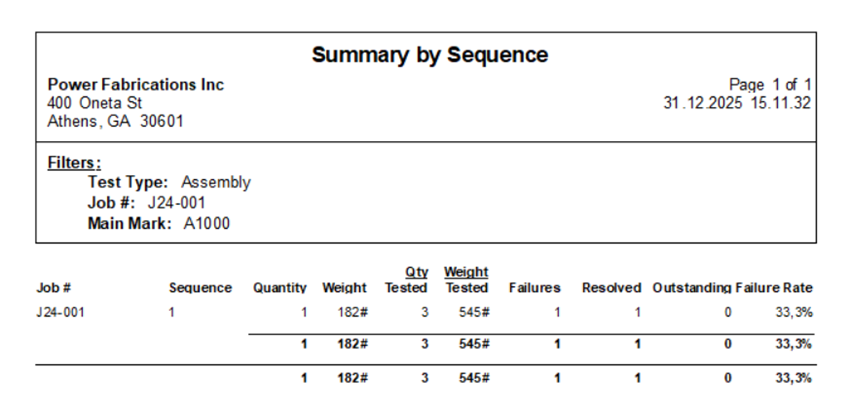
Summary by Sequence
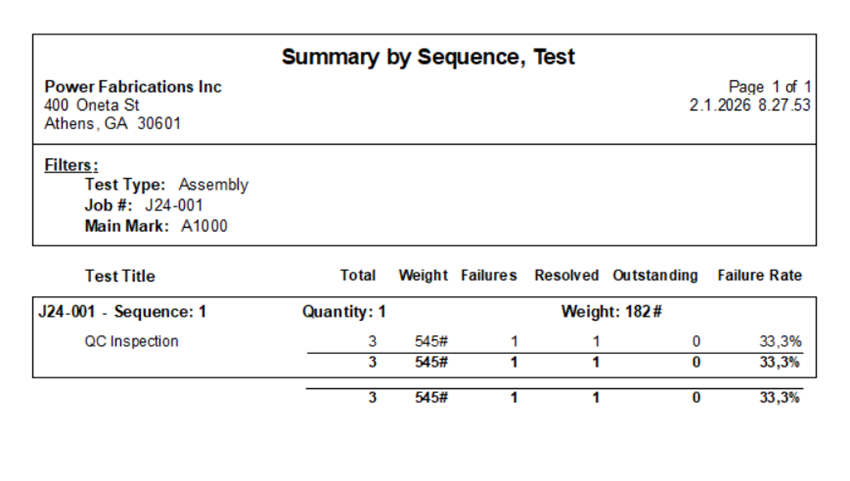
Summary by Sequence, Test
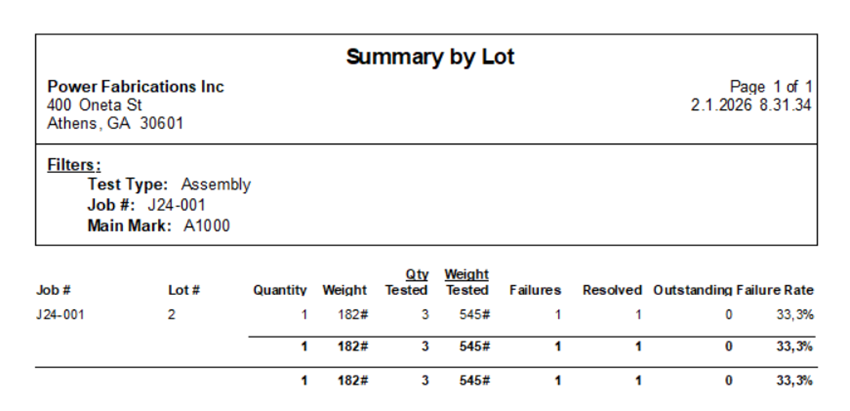
Summary by Lot
Summary by Lot, Test
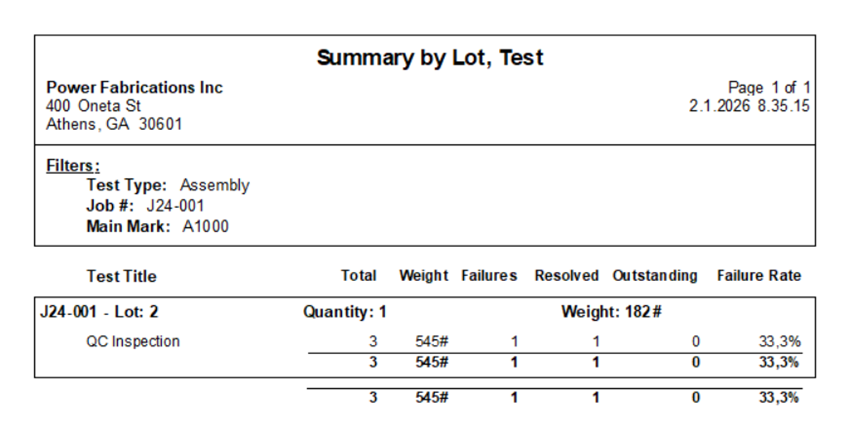
Summary by Assembly
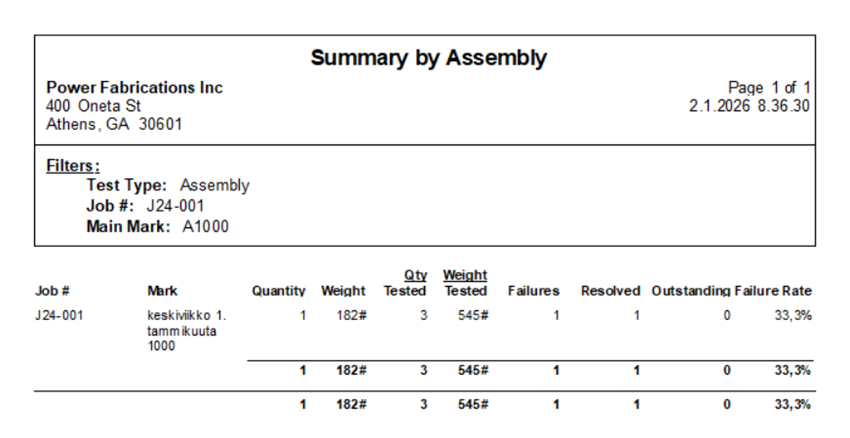
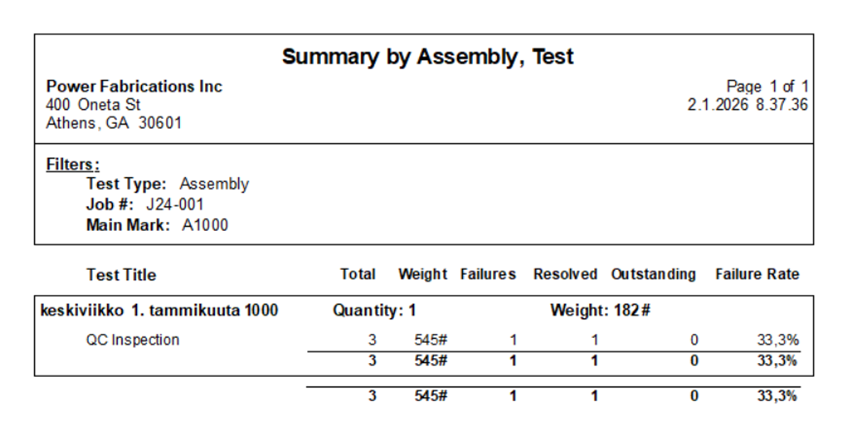
Summary by Assembly, Test
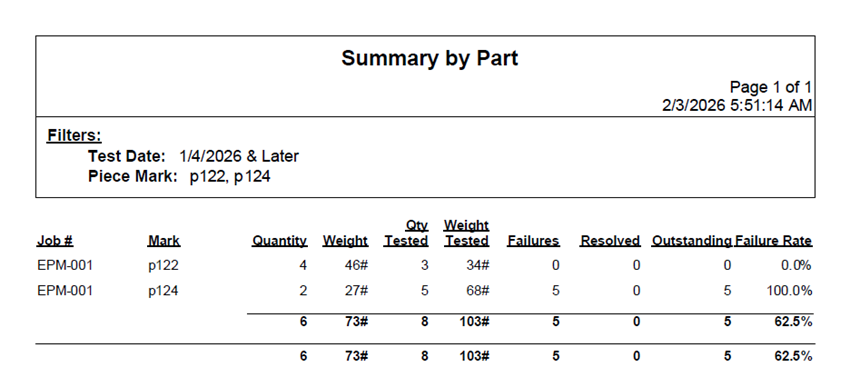
Summary by Part
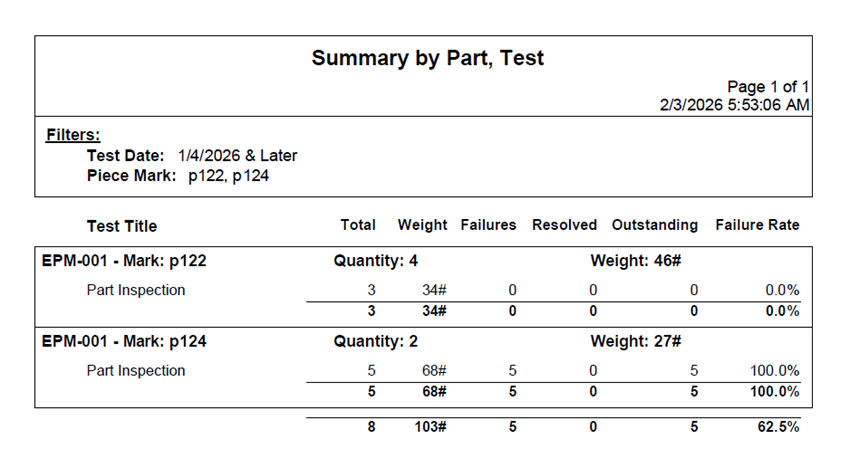
Summary by Part, Test
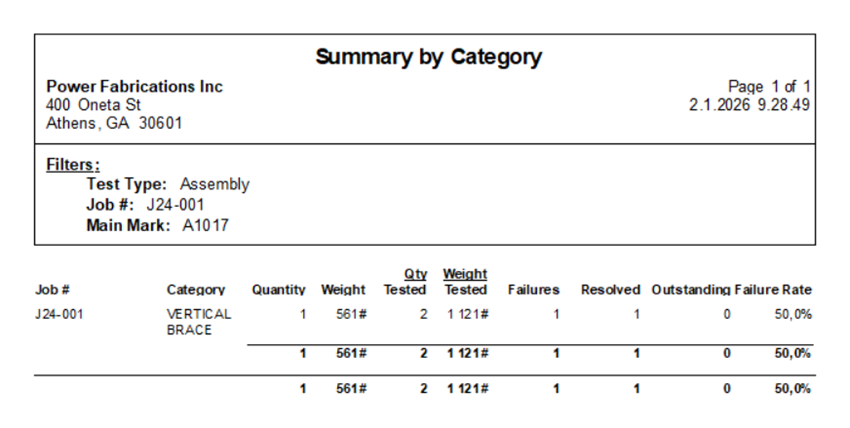
Summary by Category
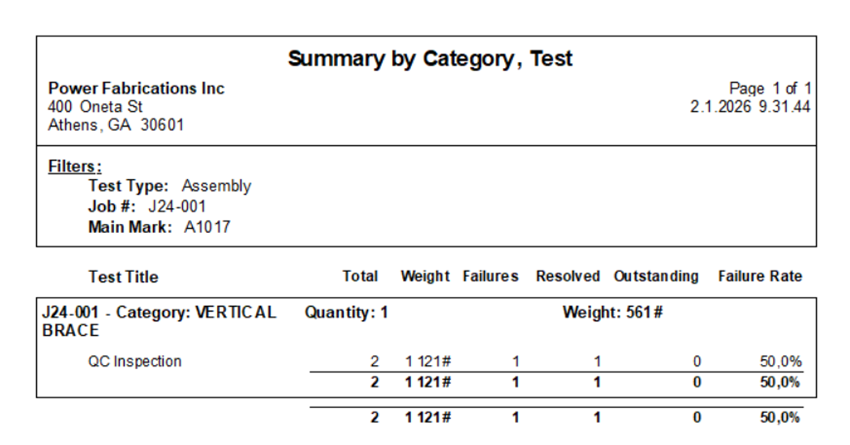
Summary by Category, Test
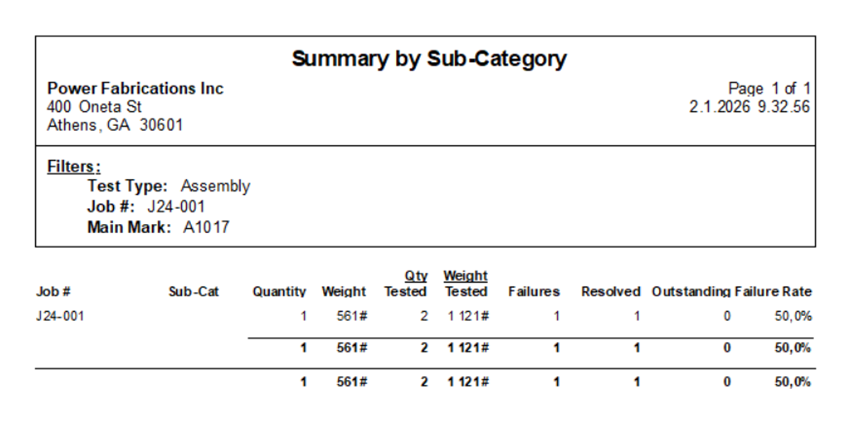
Summary by Sub-Category
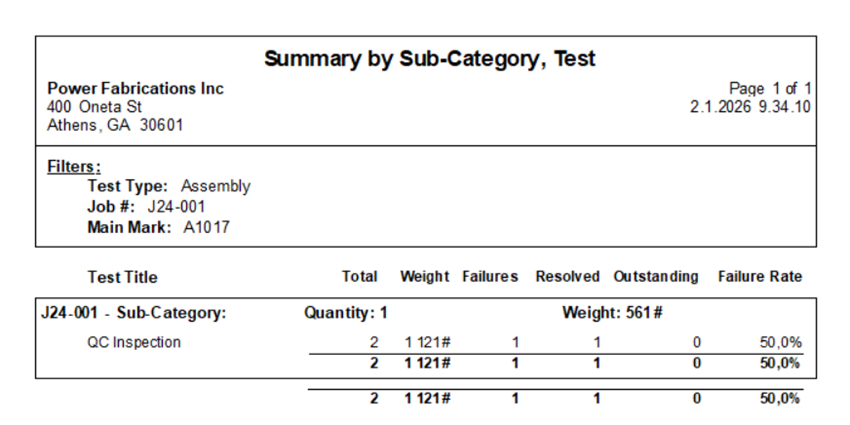
Summary by Sub-Category, Test
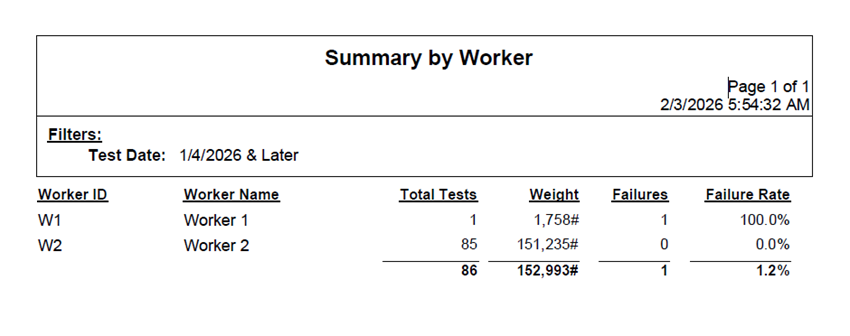
Summary by Worker
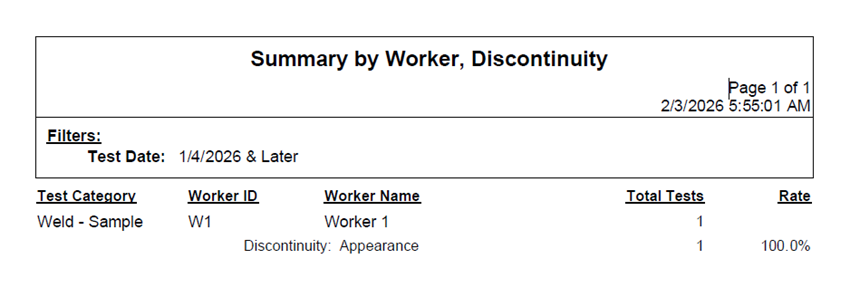
Summary by Worker, Discontinuity