
Combine parallel dimension lines
You can manually combine a group of two or more parallel dimension lines into one line.
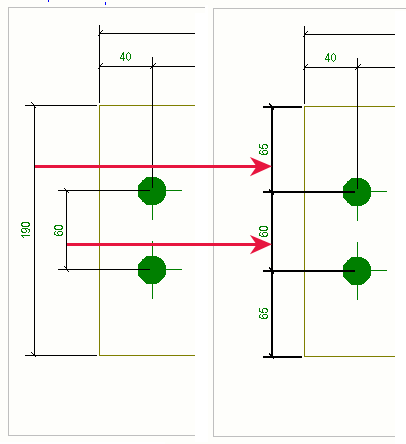
Note that you cannot uncombine the combined
dimension lines using a single command, there is no command for that. To return to
the state where the dimensions were not combined, you need to create the dimensions
again from the start. However, there is a workaround: You can activate the  Select drawing single dimensions selection switch, click a single dimension in the combined dimensions, and then
drag the selected dimension to the desired location.
Select drawing single dimensions selection switch, click a single dimension in the combined dimensions, and then
drag the selected dimension to the desired location.