Create chamfers in drawings
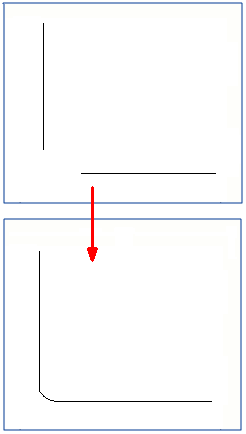
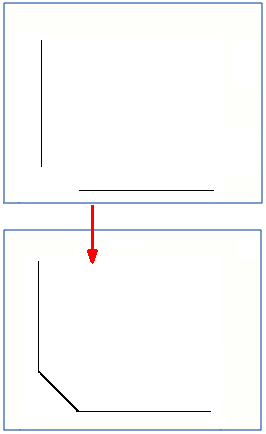
You can create chamfers between two lines using a distance or radius that you specify. You can create both straight and round chamfers.
-
Do one of the
following:
-
To create a straight chamfer, on the Sketching tab, click
 Straight
chamfer.
Straight
chamfer. Enter the distance that you want to have between the two lines (the length of the chamfer line) in the displayed dialog.
-
To create a round chamfer, on the Sketching tab, click
 Round
chamfer.
Round
chamfer. Enter the desired radius in the displayed dialog.
-
Example
Example of a straight chamfer:
Example of a round chamfer: