
Manage contract and invoicing information
You can view the current contract and invoice information, add new contract details and invoices, or modify contract and invoice information in the Contract & Invoicing dialog.
Users with administrator rights need to grant the relevant access rights for other users on the Project Details tab in . See Manage user permissions.
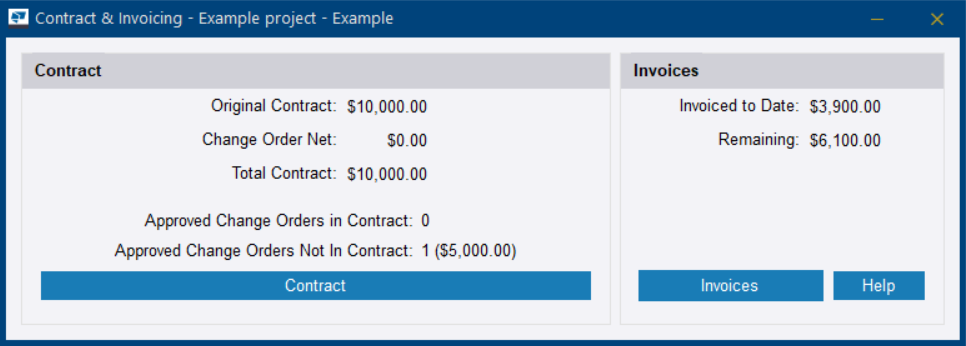
In the Contract & Invoicing dialog, you can view the total sum of the contract, approved change orders included or not included in the contract, the sum that has been invoiced, and the sum remaining in the contract.
To access the contract and invoicing information, do the following steps:
-
Do either of the following:
- On the Project Settings tab
in the Manage area, click
Contract & Invoicing.
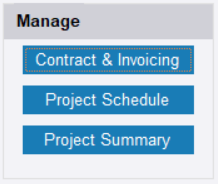
- On the Summary tab in the Manage area, click Contract & Invoicing.
The Contract & Invoicing dialog opens.
- On the Project Settings tab
in the Manage area, click
Contract & Invoicing.
To work on contracts, see Manage contract information.
To work on invoices, see Manage invoices.