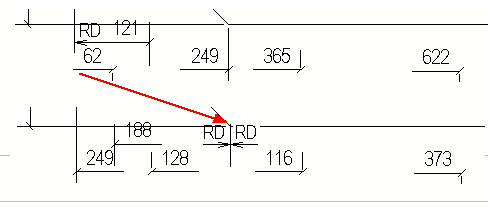
Set a new dimension start point
You can select a new start point for running dimensions (dimensions that start from a common start point).
Example
You can use this command to swap the running dimensions start point to the opposite end of the member.
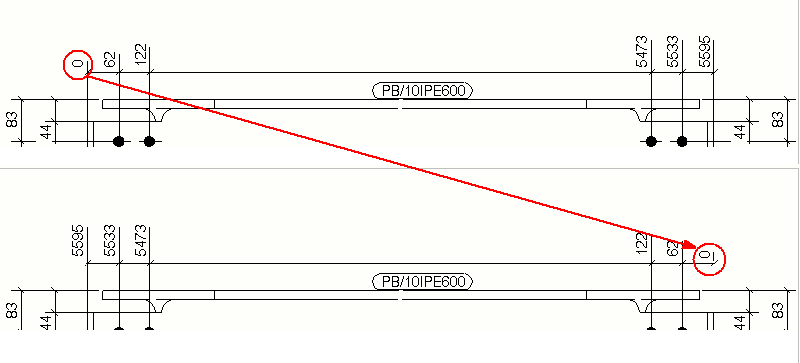
When you use the US absolute dimension type, Tekla Structures draws a new RD symbol (Running Dimension) at the new zero point and updates the dimensions according to the new start point.