
Drag dimension marks
Dimension marks can be freely dragged to avoid overlapping dimensions and marks.
Note that you can only drag relative dimensions, not absolute dimensions.
Go to and ensure that Drawing drag & drop is selected .
Point the handle, press down the left mouse button, and drag the dimension mark to the desired location.
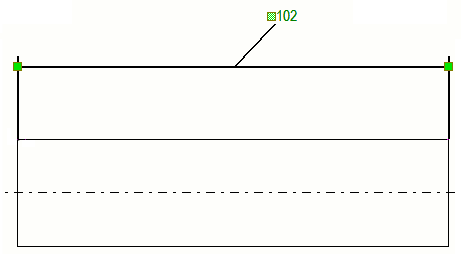
Tekla Structures automatically adds a leader line to the dimension mark that is dragged from its original position.
Note that if you do not want to draw a leader line when a dimension text is dragged away from the dimension line, set the advanced option
XS_LEADER_LINE_TO_DRAGGED_DIMENSION_TEXT to
FALSE in the category
Dimensioning - general in the
Advanced options dialog box. The default value is
TRUE.