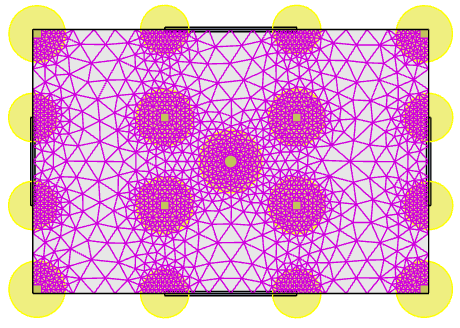
New localized mesh refinement options
First released in Tekla Structural Designer 2026 Service Pack 3, targeted finite element mesh refinement can now be applied to specific regions.
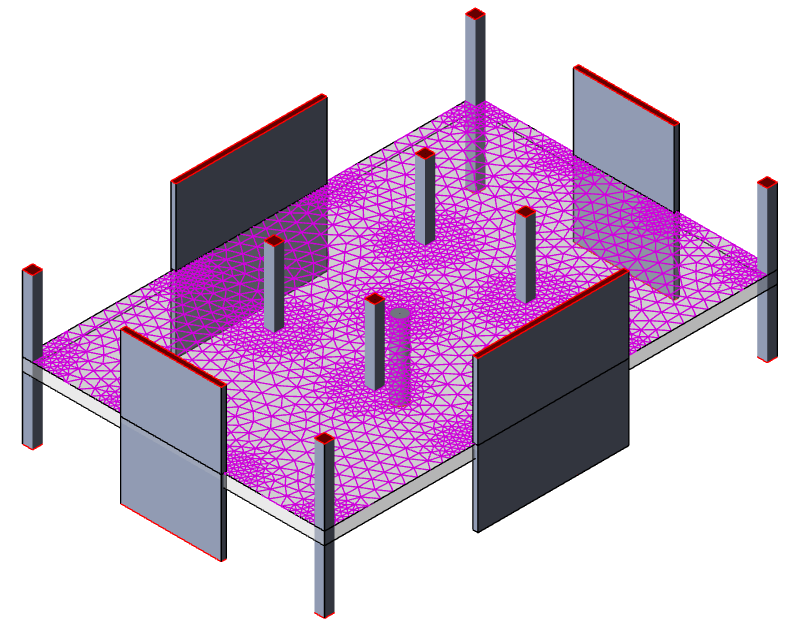
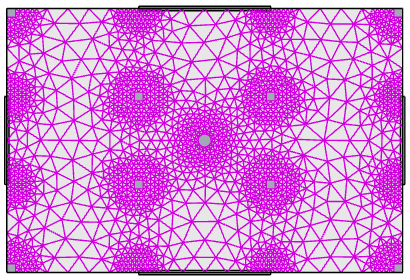
A typical “unrefined” mesh is shown below:
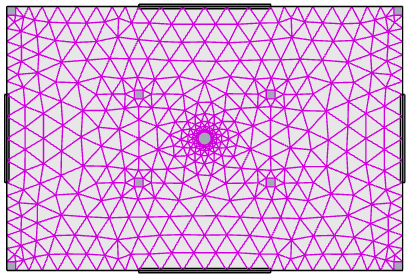
Previously, the only way to achieve a refined mesh around specific entities like columns or wall ends would be to apply a tighter mesh to the entire level.
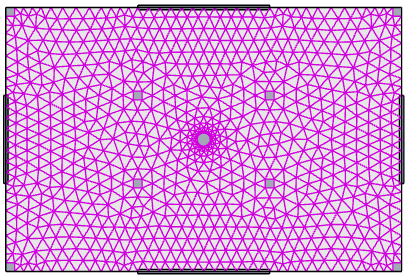
The main drawback of this approach is that the resulting increase in FE analysis model size negatively impacts analysis runtime.
To address this issue in Service Pack 3, a new Column/Wall Refinement property has been introduced. This setting can be enabled globally in Structure properties to apply mesh refinement across all model levels, or applied as an override within Sub Model properties to restrict refinement solely to a specific sub-model level.

Once enabled, users can define the Refined mesh size and the Extent (multiple of slab depth) to achieve the desired amount of localized refinement around columns and wall ends, making the FE analysis model smaller and more efficient.
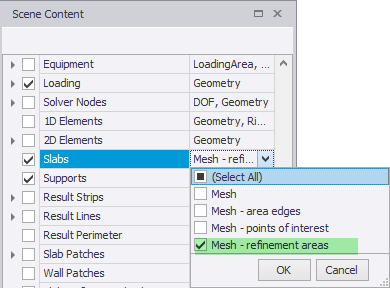
To accompany this feature, the Scene Content > Slabs category has also been enhanced. A new Mesh - refinement areas information control has been added as shown below.
When selected, the refinement area locations and extents are displayed.
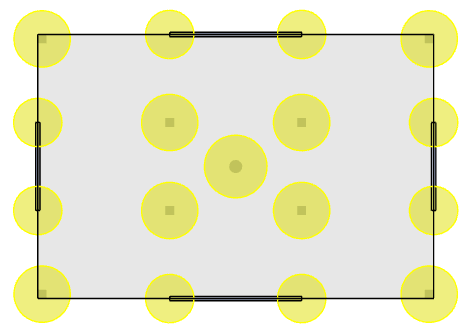
Typically you would select both the Mesh - refinement areas and Mesh information controls when setting up the mesh at a transfer level as this allows you to preview the mesh that will be created before proceeding with the analysis.