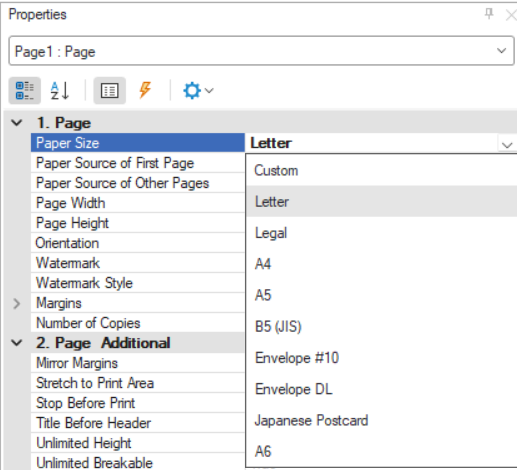
Change report page size for printing
Internationally, the most used page size for printing is A4. Therefore, many of the Tekla PowerFab reports have been converted to use the A4 paper size. In the United States, for instance, you might want to use the Letter-size (ANSI A) paper.
Tip: If you change the page size, note that the customized report is
available for all users with the same Custom
Report directory in their Default Directories.
To change the paper size, do the following:
-
Go to the Page tab and click Size.
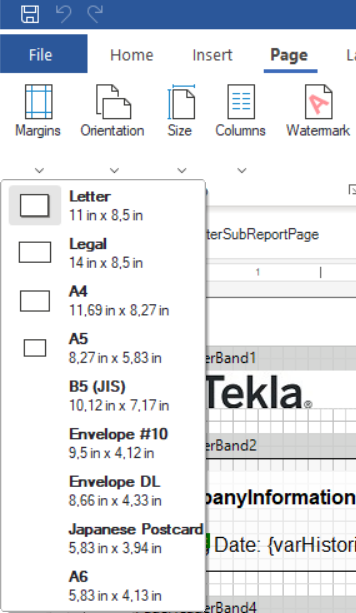
The size menu opens.
You can also change paper size from the Properties on the right.