
Add an estimating item
You can manually enter the material for the estimate.
To add a new material item to an estimating job, do the following:
-
In the Select Estimating Job, open an Estimating job.
The Estimating dialog opens.
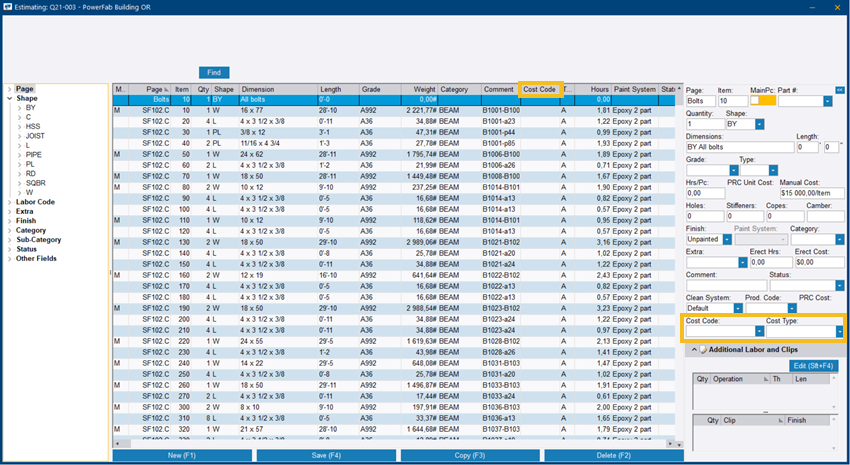
The item is added to the display area.