XS_RENDERED_FIELD_OF_VIEW
Category in Advanced options dialog: Model views
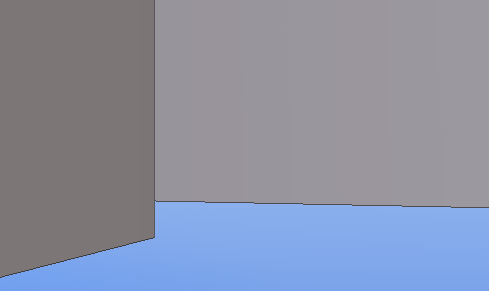
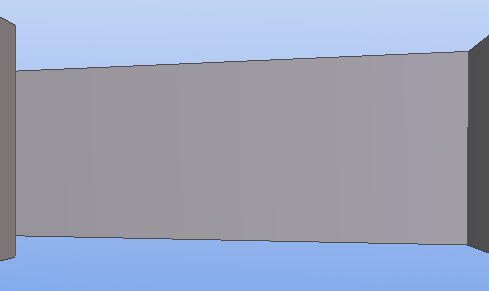
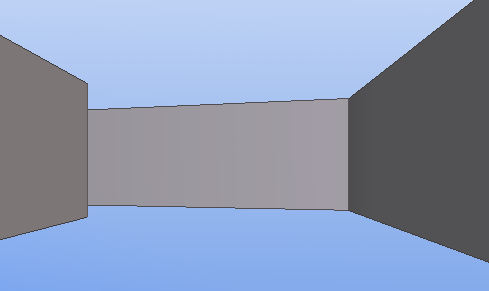
Use this advanced option to adjust the field of view setting in perspective views. This can be useful, for example, when using the Fly command in a tight space. The bigger the value, the more distance there is between the parts.
The default value is
60.0.
This advanced option is user specific and the setting is saved in options.bin under the user folder, for example, in C:\Users\<user>\AppData\Local\Trimble\Tekla Structures\<version>\UserSettings. Restart Tekla Structures to activate the new value.
Example
|
Field of view |
Example |
|---|---|
|
60.0 |
|
|
90.0 |
|
|
120.0 |
|