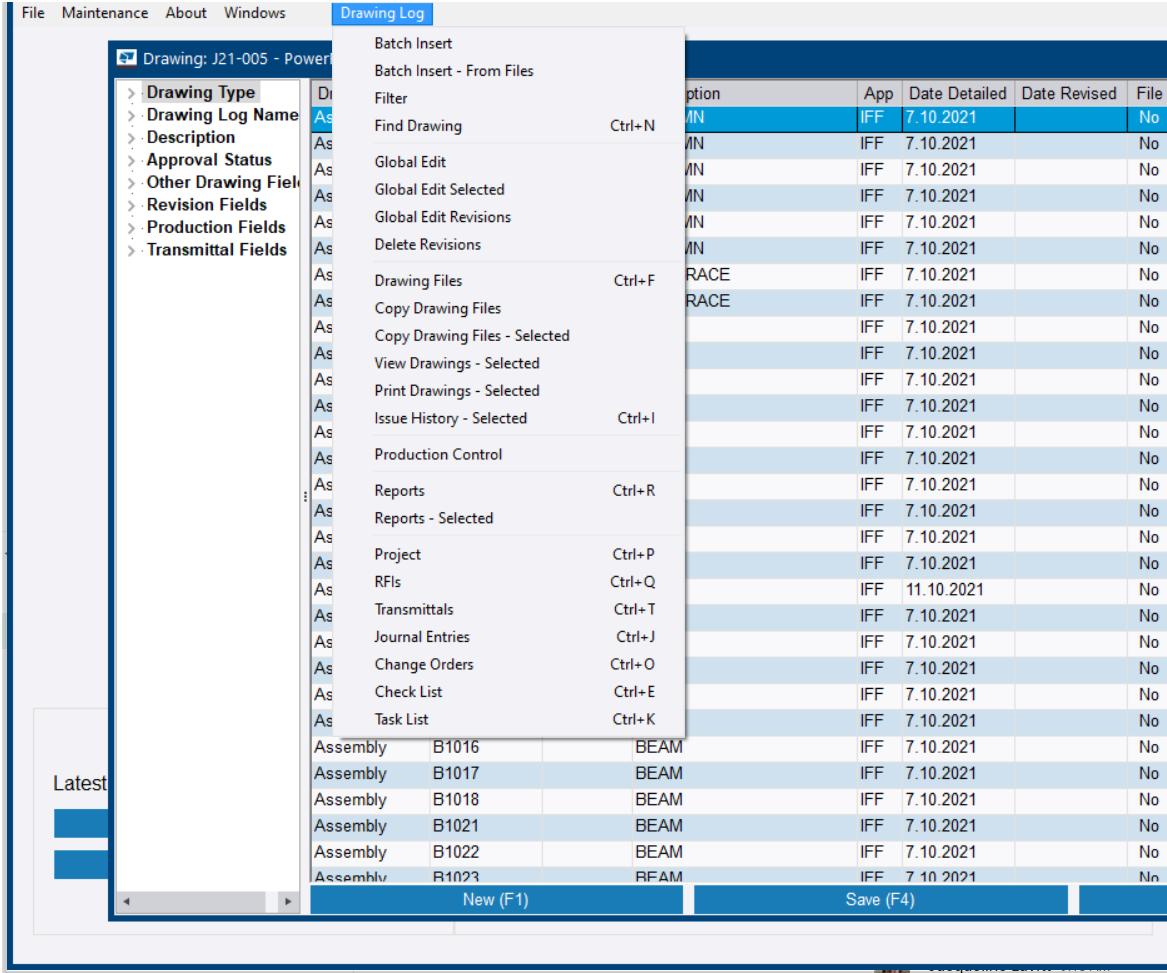
View a drawing log
Drawing logs help to manage and control the drawings in the project.
-
Click Drawing
Log.

If you have enabled ProjectSight, you have ProjectSight on the list. See Trimble ProjectSight: Manage projects.
-
On the context menu, select the
drawing log that you want to open.
All Drawing Logs opens the drawing log with no filter applied.
The selected drawing log opens.
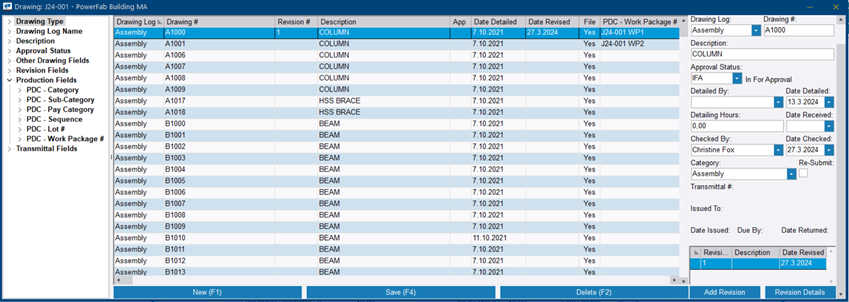
The Drawing Log ribbon tab appears in the main window.